
1.2.5Latest
Pull AI-generated articles from AI CMO into this site on a schedule. Key-only activation — no application password, no inbound access.
Upload the latest beta zip, connect through aicmo.uk, and run setup, drafts review, and autopilot publishing without ever leaving WordPress.
From download to first published draft is usually under five minutes. No FTP, no shell, no developer required.
Get the current beta package directly from this page and keep the original zip unchanged before uploading it to WordPress.
Use Upload Plugin inside WordPress admin, choose the downloaded zip, and let WordPress install the aiCMO plugin into the standard plugins directory.
After activation, open the plugin setup screen, connect through aicmo.uk, and continue domain claim, drafts review, and autopilot configuration.
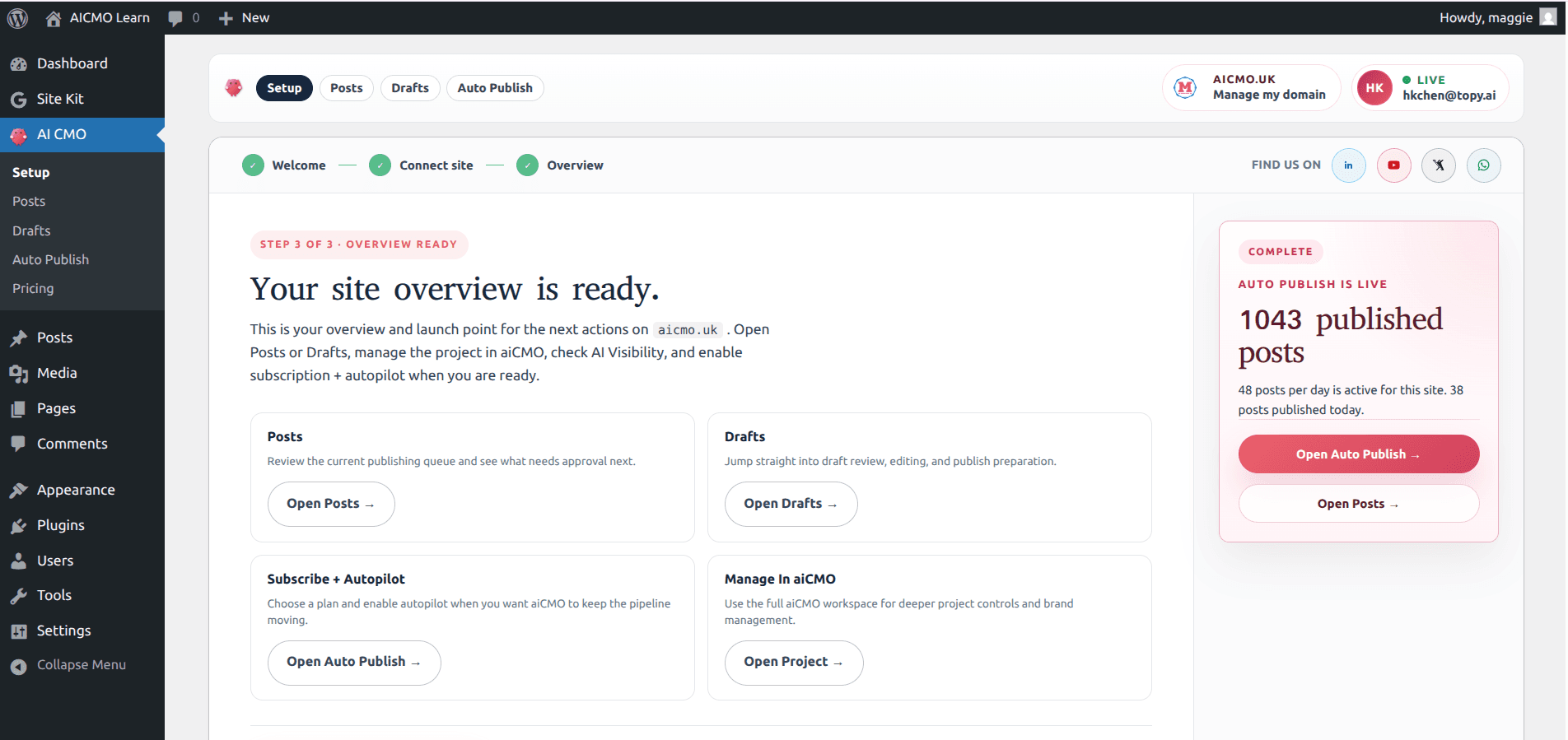
The hosted beta replaces in-place — your settings, connection, and publishing queue carry over. To update from any version to the latest:
Need the latest release notes?
The newest hosted build keeps its changelog below, so you can quickly verify what changed before updating the plugin in place.
View latest changelog →The current hosted beta ships with one public changelog entry here so operators can quickly verify what changed before downloading.
Pull AI-generated articles from AI CMO into this site on a schedule. Key-only activation — no application password, no inbound access.
Download the zip, upload it to wp-admin, and connect through aicmo.uk. The plugin is free during beta and stays free for founding members forever.