Why an AI marketing setup Matters Today
You know how chaotic it feels to juggle content calendars, ad campaigns, SEO tweaks and social posts all at once. It’s like spinning plates—one false move, and everything crashes. An AI marketing setup takes that stress off your plate, handing over routine tasks to an intelligent system that works around the clock. No more missed updates, no more guesswork—just consistent campaigns that adapt as you grow.
In this guide, we’ll walk you through setting up AI CMO’s marketing automation step by step. You’ll learn how to define your goals, connect channels, automate workflows and tweak performance in real time. Ready to transform your marketing with hands-on AI? AI marketing setup: revolutionising your digital campaigns
What Is AI-Powered Marketing Automation?
AI-powered marketing automation uses machine learning and data analysis to perform routine marketing tasks. Instead of manual scheduling and one-off campaigns, you get:
- Automated SEO and GEO-targeted content
- Triggered email drip sequences
- Social media posting based on performance signals
- Real-time reporting for instant adjustments
With AI CMO’s digital marketing automation tool, you don’t need a dozen platforms or a stack of freelancers. Everything lives in one intuitive dashboard. The system learns which keywords drive organic growth, spots local trends, and tweaks your ads—all without you lifting a finger.
Benefits of Using the AI CMO Platform
Most marketing suites promise features but fall short on seamless integration. AI CMO fills the gap by combining:
- Hands-on AI interface that anyone can use
- Real-time SEO and GEO visibility tracking
- Data-driven content strategies built on performance history
- Automated campaign workflows—email, ads, social—in one place
- Scalable solutions that grow with your business
Forget piecing together disparate tools, or chasing agency invoices. AI CMO delivers consistent outputs, fast results, and clear ROI.
Step 1: Define Your Goals and KPIs
Kick off your AI marketing setup by setting crystal-clear objectives. Ask yourself:
- What revenue or traffic targets do I have this quarter?
- Which channels need priority—SEO, email, paid ads, social?
- What key performance indicators (KPIs) will show progress?
Write them down. You might aim to boost organic search traffic by 30% in three months, or cut ad spend by 15% while maintaining conversions. These benchmarks guide every automation rule you’ll build.
Step 2: Connect Your Marketing Channels
Next, link your accounts:
- Google Analytics and Search Console
- Facebook, Instagram and LinkedIn ad profiles
- Your email service provider (ESP)
- CRM or lead management tools
In the AI CMO platform, head to Integrations, then follow the simple prompts. Each connection trains the AI on channel performance, feeding it data for smarter decisions. Once set up, you’ll see a unified view of all metrics—no more siloed dashboards.
Step 3: Build Automated Campaign Workflows
Now comes the fun part—automating campaigns. AI CMO lets you create workflows that trigger based on user behaviour or dates. For example:
- New subscriber joins your list → Send welcome email + recommend top products
- Visitor reads a blog post on SEO → Add to retargeting ad audience
- High-intent lead fills a contact form → Notify sales team via Slack
Use the drag-and-drop builder to link triggers, conditions and actions. You’ll slash manual work and ensure no lead slips through the cracks. And if you ever need to tweak a rule, it’s one click away.
Step 4: Automate Content Creation and Distribution
One of AI CMO’s standout services is its ability to generate targeted content at scale. You can:
- Draft blog outlines based on top-ranking keywords in your niche
- Produce social posts tailored to each region (GEO-targeting!)
- Schedule content distribution across multiple channels
While the AI handles initial drafts and scheduling, you remain in control. A quick review here, a tweak there, and your brand voice shines through. The system learns from your edits, blending speed with quality.
By this point, you’ve laid the groundwork for an efficient AI marketing setup—but you still have full creative oversight. Start your AI marketing setup journey today
Step 5: Monitor, Analyse and Optimise
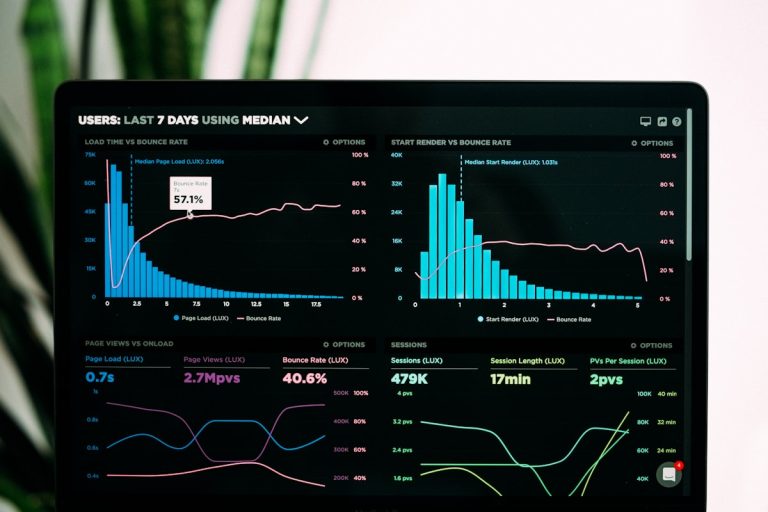
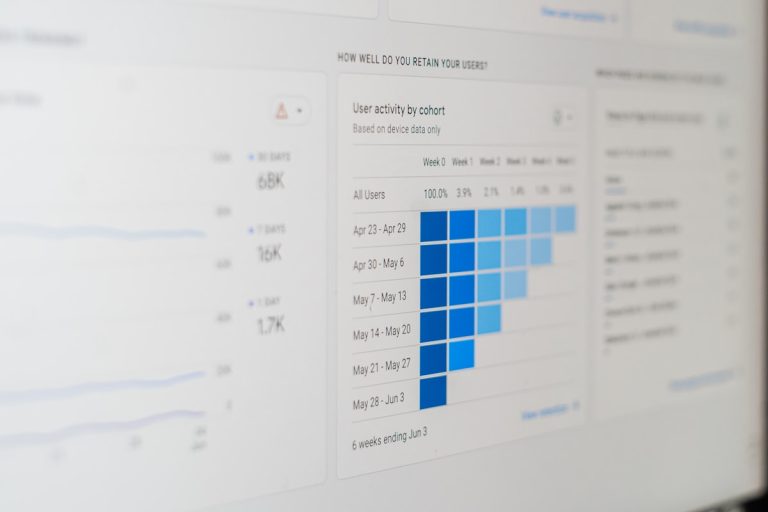
Automation isn’t “set and forget”. AI CMO’s real-time dashboard surfaces:
- Traffic changes at a glance
- Conversion rates by campaign
- Local SEO wins and dips in visibility
Use these insights to refine keywords, adjust ad spend and test new messaging. The AI then applies those updates automatically, or suggests tweaks you can approve in one click. Over time, this continuous loop of data and action compounds into serious growth.
Best Practices for a Smooth AI Marketing Setup
To get the most from AI CMO, keep these tips in mind:
- Start small: Automate one channel, then expand gradually.
- Maintain human oversight: Review AI drafts to preserve brand tone.
- Regular audits: Check integration health and update credentials.
- Share insights: Engage the community to learn new tactics.
- Stay flexible: Shift your goals as market conditions evolve.
Following these steps ensures you avoid common pitfalls like over-automation or data overload.
Conclusion and Next Steps
By now, you’ve seen how an AI marketing setup can free you from repetitive tasks, unify your data and drive continuous optimisations. With AI CMO’s platform powering your campaigns, you’ll spend less time juggling tools and more time planning high-level strategies.
Ready to see it in action? Set up your first workflow, link your channels and watch AI CMO take your marketing to the next level. No agencies, no siloed dashboards—just hands-on AI that grows with you.
Testimonials
“Switching to AI CMO was a game-changer for our small marketing team. We went from juggling spreadsheets to having real-time insights that boost our SEO and local ads.”
— Helen Carter, Founder at Carter Tech Solutions“I’m amazed at how quickly the platform learned our brand voice. Automated blog drafts and social posts cut our content workload in half.”
— Liam Patel, Marketing Manager at GreenLeaf E-commerce“The GEO-targeting features helped us tap into new regions without hiring extra staff. Our monthly traffic doubled in six weeks.”
— Sofia Zhao, CEO at Urban Boutique