Unlock Precision with Effortless Location Targeting
Ever feel like pinning hopes on a map of blind guesses? You’re not alone. With automated GEO targeting, you serve the right message to the right audience, exactly where they are. It’s precision at scale, without breaking a sweat.
AI CMO’s intuitive interface handles the heavy lifting—think 24/7 location targeting, real-time visibility tracking and data-driven tweaks. Ready to stop guessing? Boost your automated GEO targeting with AI CMO: Revolutionizing Digital Marketing Automation
Understanding the Essentials of Location Targeting
Before you dive in, let’s break down the building blocks of location targeting. Nail these fundamentals and your automated GEO targeting will hum like clockwork.
Types of Location Data
A solid location feed needs clarity. Most platforms accept formats like:
- Country
- Town/City
- Postal code (ZIP code)
- Coordinates
If you need Places, stick to postal codes—Places aren’t always supported via API. And for Addresses, opt for coordinates instead, since free-form strings can return unpredictable API results.
Preparing Your Location Feed
Organise your spreadsheet so each ad or ad set has its own row. One column holds all location values. You can mix types. Use the semicolon (;) to separate entries.
Example feed entry:
France | country; New York, United States | city; 1091
A single ad could target a country, a city and a postal code in one go. It’s flexible, and it really helps when you’re running multiple automated GEO targeting campaigns at once.
Setting Up Radii for Pinpoint Precision
Want to draw a circle around a city or a coordinate? Radius always goes in metres.
Two ways to apply radius:
1. Separate radius column – useful for single-location ads.
2. Inline radius – add ^^[radius_in_metres] at the end of a location string.
Inline example:
Paris, France | city^^10000; Berlin, Germany | city^^15000
Radius limits:
– Cities – default 40 km; min 17 km; max 80 km.
– Coordinates – default 16 km; min 1 km; max 80 km.
Best Practices for Reliable Results
APIs often return the first match they find. That can be surprising. Always include the type in your string:
[Location] | [Type]
Examples:
– France | country
– New York, United States | city
That way, you won’t accidentally target the wrong place. It’s simple but makes a world of difference when you scale out your campaigns.
How AI CMO Simplifies Automated GEO Targeting
Manual uploads and constant checks are history. AI CMO’s platform automates your location feeds and optimises on the fly. Here’s how it transforms your workflow:
- Automated feed ingestion – connect your spreadsheet or API, and watch it populate geo-tags.
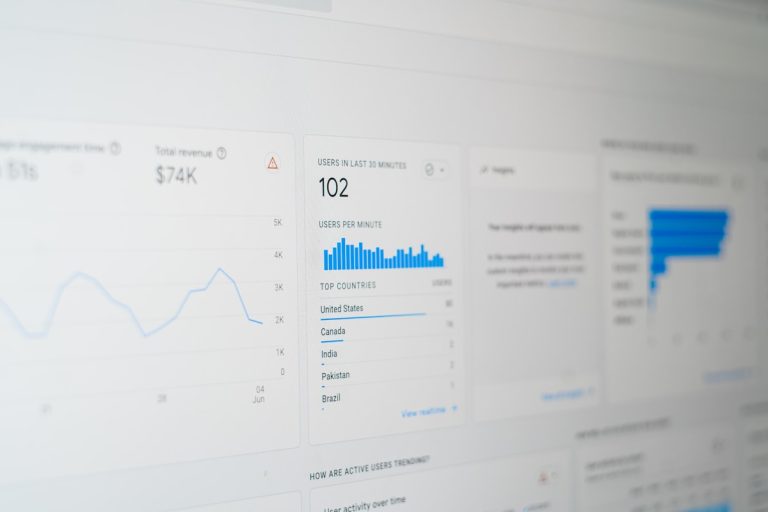
- Real-time performance dashboard – see which locations drive clicks, conversions and revenue.
- Data-driven suggestions – AI recommends expanding or narrowing your radius based on local demand.
- 24/7 monitoring – no more missed spikes in traffic or wasted ad spend in underserved areas.
With AI CMO, you’re not guessing—you’re knowing. Kick off your campaigns in minutes, then let the system refine itself automatically. Kick off your automated GEO targeting journey with AI CMO
Fine-tuning and Troubleshooting Automated Campaigns
Even the best feeds can hit snags. Here are quick fixes to common headaches:
- Ambiguous names – “Cambridge” could be UK or Massachusetts. Always append country.
- Misaligned radii – double-check metre values. If your circle covers too much area, you’ll waste budget.
- API mismatches – if a location returns nothing, switch to coordinates. They’re more precise.
- Feed structure errors – ensure semicolons and
^^tags line up correctly. One typo can break an entire batch.
By following these steps, your automated GEO targeting will run smoothly, freeing you up to craft better messages and analyse real insights.
What Our Clients Say
“AI CMO’s location targeting feature saved us hours every week. We saw a 25 percent uplift in local conversions within the first fortnight.”
— Emily Carter, Marketing Manager at GreenGrocer
“As a small retailer, we didn’t have the resources for manual adjustments. AI CMO’s real-time tracking and data-driven radius tweaks made our campaigns feel tailor-made.”
— James Patel, Owner of Bloom & Glee
“Integrating automated GEO targeting with AI CMO was effortless. The feed builder is intuitive and the live dashboard is addictive.”
— Sofia Nguyen, Digital Strategist at EcoTrend
Get Started Today
You’ve mastered the theory. Now it’s time to put automated GEO targeting into practice with AI CMO’s seamless platform. Optimise your campaigns, refine your reach and unlock local success—all without lifting a finger. Get a personalised demo of AI CMO’s automated GEO targeting